Campaign attribution
Shopify UTM tracking: connect campaigns to carts and sales
Set up consistent Shopify UTM tracking, test campaign links, inspect cart and order attribution, and troubleshoot missing or conflicting traffic sources.
The short answer
Shopify UTM tracking uses campaign tags on incoming links to label where visits came from. Set a consistent source, medium and campaign, add content labels when you need creative-level detail, and test the finished link. Inspect available cart and order data, then compare sales under the same attribution model. A UTM tag identifies a visit; an attribution model decides how that visit receives credit.
Choose UTM values that answer a business question
Before tagging a link, decide what you want to compare. “Which autumn campaign brings shoppers who buy mugs?” needs a stable campaign label. “Which video creates those baskets?” also needs a content label. Put a shared naming convention in writing before links go into ads, emails and partner placements.
Google documents the standard fields in its campaign URL guide. The following is an illustrative convention for a Shopify store, not a required set of names.
Scroll across the table to see all columns.
| Parameter | Question it answers | Example |
|---|---|---|
utm_source | Where was the link placed? | facebook |
utm_medium | What kind of traffic is it? | paid_social |
utm_campaign | Which promotion is this? | autumn_mugs |
utm_content | Which creative or placement? | video_a |
utm_term | Which paid-search term, when relevant? | travel_mug |
Keep values lowercase and use a consistent separator. Google Analytics treats parameter values as case-sensitive, so naming discipline avoids accidental splits there. Do not rely on every reporting tool normalizing names in the same way.
Use source and medium together. For example, google / cpc and newsletter / email communicate different acquisition contexts. Avoid using a campaign’s name as its medium; the medium should stay useful across multiple promotions.
Build one complete link and test its final destination
A tagged example might look like this. Replace the example domain and product path with a real destination in your store:
https://your-store.example/products/travel-mug?utm_source=facebook&utm_medium=paid_social&utm_campaign=autumn_mugs&utm_content=video_aIf the destination already contains a question mark, append additional parameters with an ampersand. Keep the selected variant and other product parameters intact. Avoid adding the same UTM key twice: a link should not ask different systems to choose between conflicting campaign values.
Open the finished link, follow any redirect and inspect the landing URL. Test the link that will actually ship, including any email click wrapper or destination shortcut. A perfect spreadsheet entry is not useful if the published link drops its tags.
Google Ads has its own auto-tagging and final-URL rules. If you use it, follow Google’s final URL tagging guidance and verify your existing integration before changing its setup. Do not remove working click identifiers just to make every URL look identical.
Keep personal information out of campaign values. A campaign label should identify a marketing activity, not contain a customer’s name or email. For this workflow, tag incoming acquisition links and leave ordinary internal navigation as normal site links.
Verify the campaign before waiting for a sale
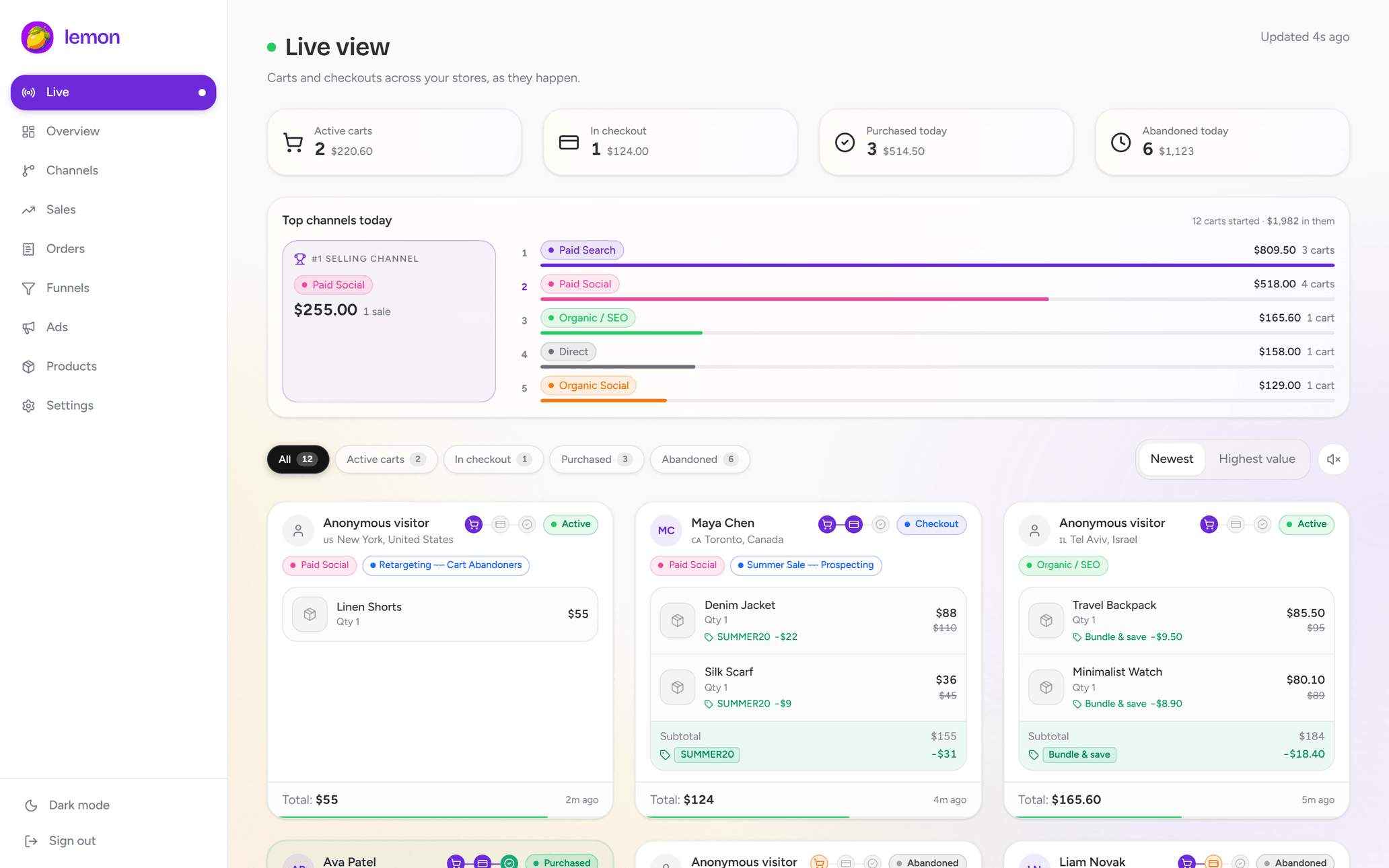
Make a controlled visit through the tagged link and add a recognizable product to your cart. Note the time, source, campaign and expected creative label. Then inspect the available session detail in Lemon’s live cart view.
This gives you an early check that the traffic is arriving with usable context. It also distinguishes “the campaign has no orders yet” from “the campaign data is not arriving as expected.” Our live cart tracking guide walks through the rest of the validation sequence.
If the test does not appear, verify the app pixel and consent state using Shopify’s app pixel testing tools. If it appears without the intended campaign, inspect the final URL and the data available for that visit. Keep your test sessions separate from performance judgments.
Do not assume a live cart’s initial traffic source will be the channel credited with a later order. A shopper can return through another link before buying, and the order attribution model may credit that later interaction.
Check the order record and then the aggregate report
For a completed order, open Orders, select the order and inspect Conversion summary. When full details are available, you can open conversion details and individual sessions to inspect referral and UTM information. Shopify describes the process and its limitations in Viewing order conversion summary.
Some orders have a shorter summary or no visit detail, and Shopify notes that details can take up to 48 hours to appear. Do not immediately label a fresh order’s missing campaign as a tracking failure. Check the order’s channel, available data and reporting delay first.
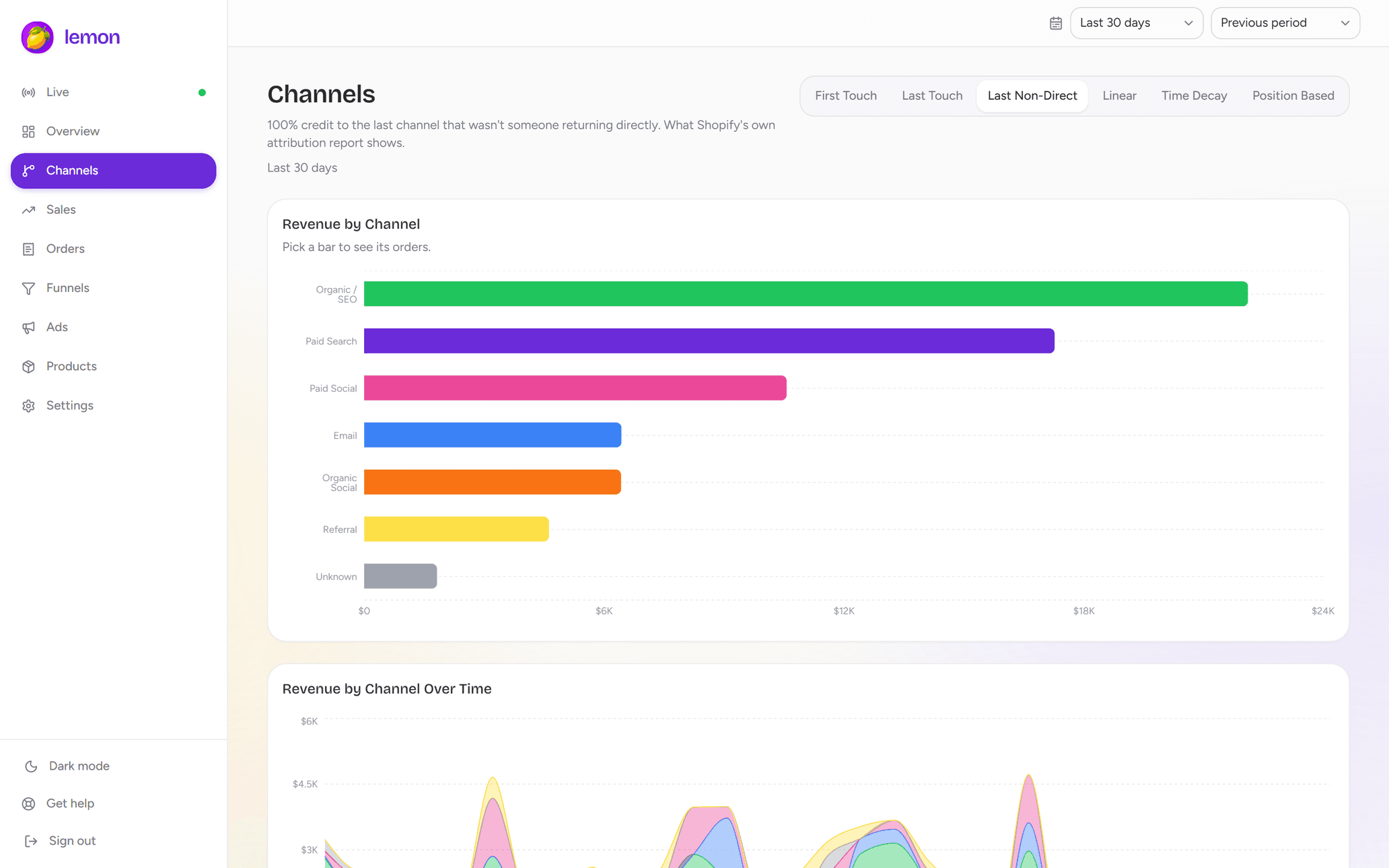
For the bigger picture, use Shopify’s marketing reports to review traffic and conversion performance. Lemon adds a channel attribution view with six models over its imported order data. Keep the store, period, filters and revenue definition consistent whichever report you use.
Separate campaign tags from attribution rules
A UTM value is a label on a visit. Attribution is the rule for assigning credit. Changing the rule can move revenue between channels without adding or removing a sale.
Imagine a fully observed journey with three visits: a paid social ad, an email, then a direct return that ends in a $90 purchase. For this simplified illustration:
- First touch: the paid social visit receives the $90 credit.
- Last touch: the direct visit receives the $90 credit.
- Last non-direct touch: the email visit receives the $90 credit.
- Linear: each of the three observed touches receives $30.
The example assumes all three touches are available and uses one fixed revenue amount. Real reports can differ because of their lookback windows, visit coverage, channel rules or treatment of discounts and refunds. Do not add the credited totals from several models together; they are alternative views of the same sale.
Choose a model for your recurring comparison and document it. Use other models to explore how the interpretation changes, rather than selecting whichever one makes each campaign look best.
Troubleshoot missing or conflicting UTM data in order
- Check the published link. Is it the latest version, and does it contain one value for each intended parameter?
- Check the final landing page. Did a redirect, link wrapper or manually copied URL drop or change the tags?
- Check the observed session. Is it your test visit, at the recorded time, in the intended store? Were the required events available?
- Check the journey. Did the buyer return through another campaign or device? Inspect what is actually recorded rather than reconstructing an assumed path.
- Check the report. Align dates, timezone, attribution model and revenue definition before comparing two numbers.
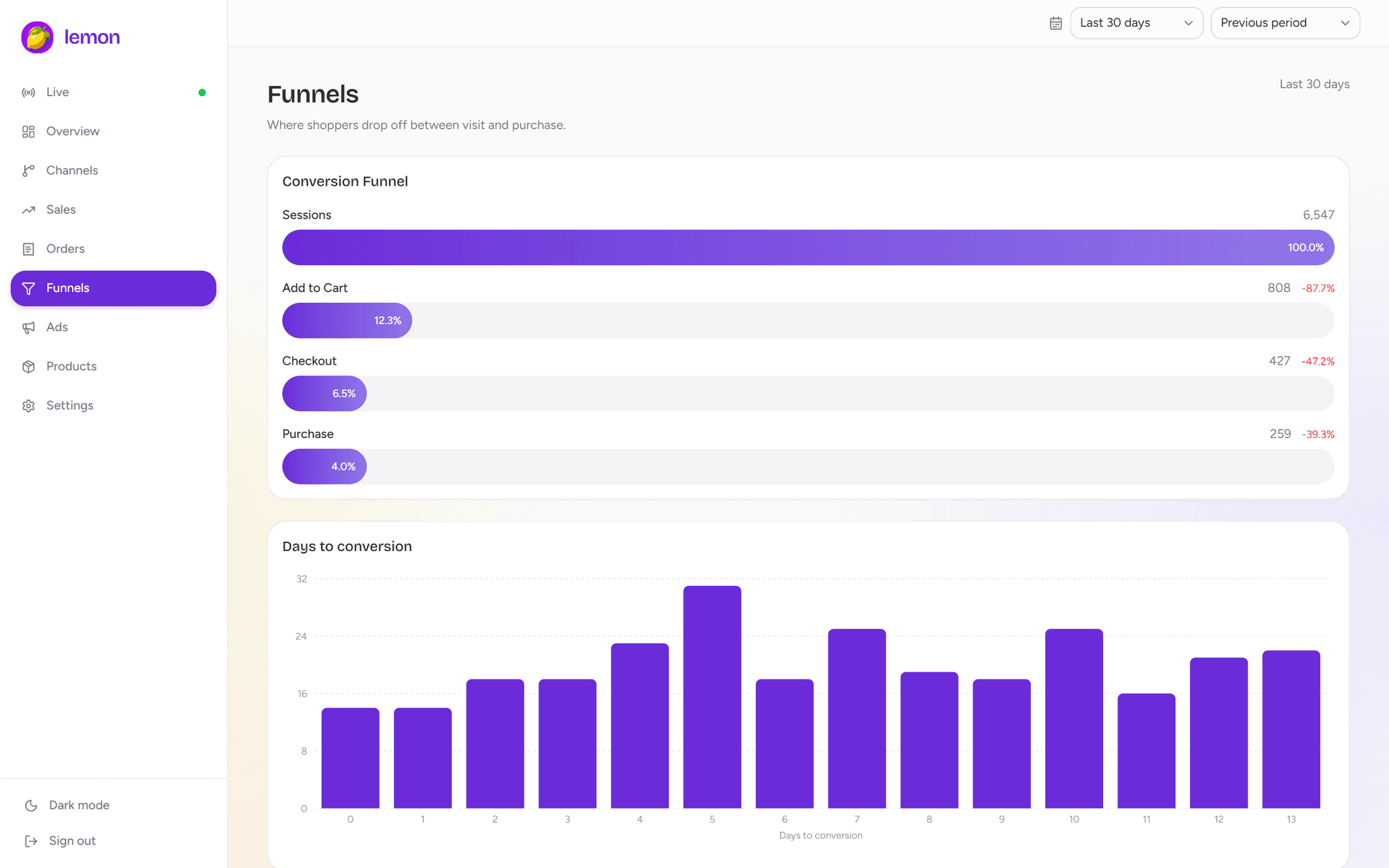
If visits are tagged correctly but purchases are weak, shift from a measurement investigation to a conversion investigation. Our cart and checkout drop-off guide helps locate the stage to test.
For a weekly review, pair campaign-level traffic and completed sales with a few inspected shopping journeys. Use those journeys to generate hypotheses; use the broader report to assess whether the pattern is substantial enough to act on.
Common questions
Does Shopify record UTM parameters?
Shopify can expose UTM information in reports and available order visit details. Coverage depends on the incoming link and the data recorded for the journey. A campaign tag does not guarantee complete attribution for every order.
Should I use UTMs on links between pages in my store?
For this acquisition-tracking workflow, keep UTMs on incoming marketing links. Use ordinary internal links and appropriate on-site event reporting to measure navigation, so internal clicks do not masquerade as new acquisition campaigns.
Why can a cart source differ from the order’s attributed channel?
A cart can begin on one visit and the purchase can follow another. The live session source describes observed activity; the order’s attribution model assigns credit across available visits. Those views can differ without either being a duplicate order.
See the journey in your own store.
Explore live carts, checkout activity and channel attribution with Lemon Analytics.